Replies file themselves
Interview, assessment, offer or rejection — each reply lands under the right application, not somewhere in your inbox.
Teal's free tier tracks unlimited jobs — and you move every card yourself, which is time spent on the tracker instead of the search. Erioun's board maintains itself: replies file under the right role, statuses move on their own, and you're always one tap from adjusting. It never contacts anyone without you.
14-day free trial · Cancel anytime
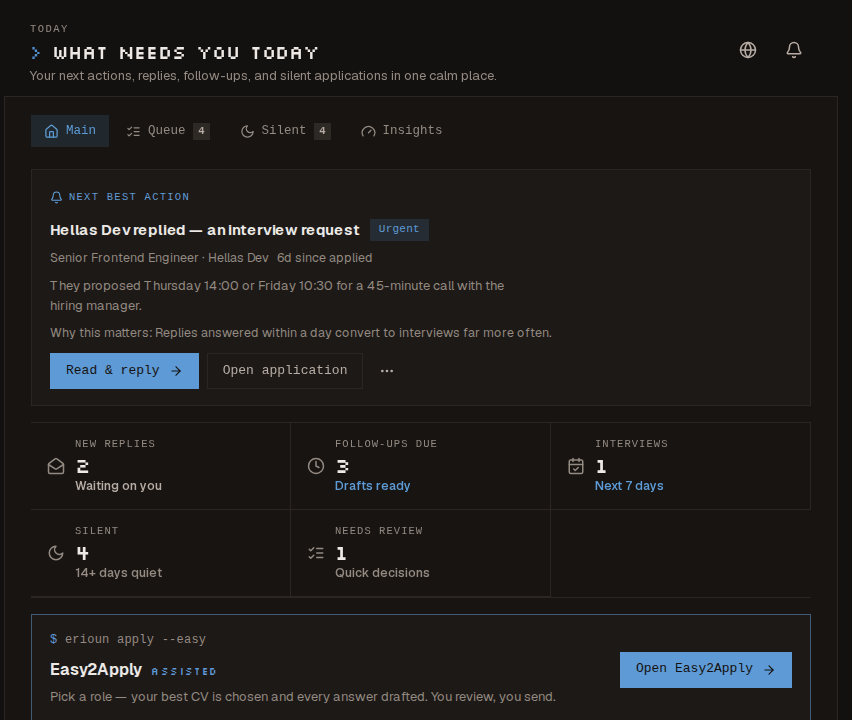
Each application gets its own Erioun address. Replies arrive there, get classified within minutes, and the stage moves on its own — you're one tap from adjusting.
Interview, assessment, offer or rejection — each reply lands under the right application, not somewhere in your inbox.
Confident classifications advance the stage, forward-only, with a one-tap Undo if it read the moment wrong.
Export your tracked jobs to CSV and import them, so the board starts current instead of empty.
Teal's free tier is genuinely strong: unlimited basic job tracking at no cost, plus a resume builder. If you don't mind updating each status by hand, Teal free is a solid place to work — and we would rather say that plainly than pretend otherwise.
Manual upkeep rots. Every status change is a chore that comes after the real work, replies live in your inbox instead of on the board, and by week two the tracker describes last week's search. Erioun removes the upkeep instead of asking for more discipline — each application gets its own Erioun address, replies file themselves, and statuses move on their own, one tap from adjusting.
Pricing and free-tier details checked August 2026 on the vendors' public pricing pages.
Most job-search tools are built US-first. Erioun is EU-built and GDPR-native: no LinkedIn scraping, no selling your data, no silent sending — and you can export or delete everything, anytime. Your search holds salary hopes and private notes; where it lives matters.
Yes — Erioun has a free plan now, with no card and no expiry. Teal's free tier tracks unlimited jobs and it is genuinely good, but you move every status by hand. What Erioun does that a free tracker doesn't is maintain the board itself: replies file under the right role and statuses move on their own. That part is free here too, alongside unlimited aliases and a radar showing 10 openings. Unlimited at €29.90/month adds the AI: match scoring, fit scores, drafts and a much deeper radar.
As of August 2026, per Teal's public pricing page: basic tracking is free and unlimited, and Teal+ costs $13 per week, $29 per month or $79 per quarter. Status updates are manual on both tiers. For comparison, Erioun tracks unlimited applications on a free plan and moves the statuses itself, and Erioun Unlimited is €29.90 per month for the AI on top.
Yes. Export your tracked jobs from Teal as a CSV, then use Erioun's CSV import — it validates each row and your history arrives intact, so the board starts current instead of empty. From there, new applications use their own Erioun address and replies file themselves.
No. Erioun never auto-applies, auto-replies or contacts anyone on your behalf. It organizes by itself — filing replies, moving statuses, always one tap from adjusting — but every email is yours to approve and send.
Autofill tools help you get through the form, then go quiet the moment you hit send. Erioun works on everything after: the reply lands under the right role, the status moves, and follow-ups surface when a role goes silent. Submitting was never the hard part — keeping track of what comes back is.
Start your 14-day free trial — €0 today, a reminder email before any charge, cancel anytime.