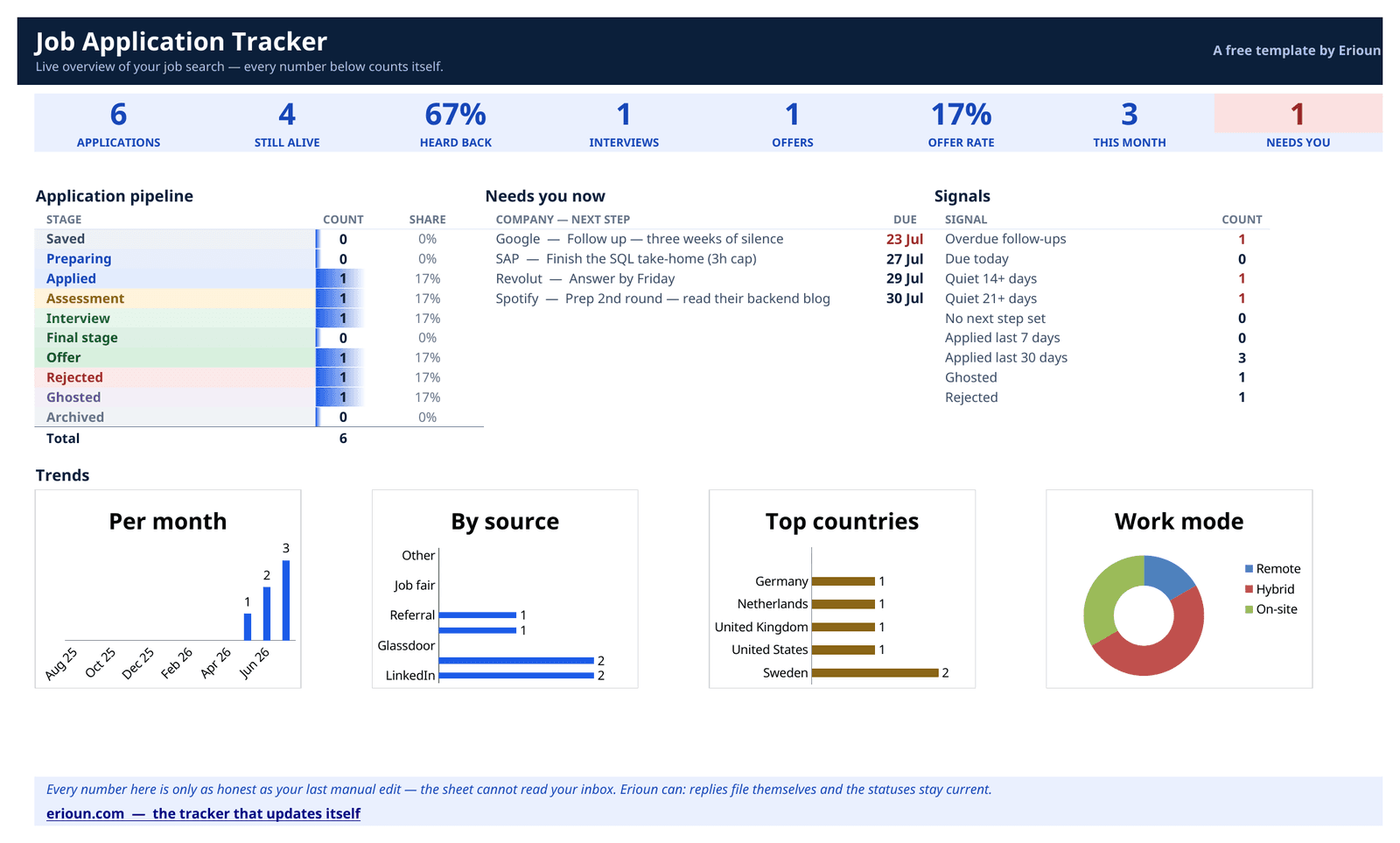

Job application tracker for Google Sheets
A clean Sheets tracker with the columns that matter — status, CV version sent, last reply, next action — and none of the forty you'd add at 1am. The Google Sheets version is being finished — leave your email and it lands in your inbox the moment it's live.
What's inside the Google Sheets template
13 columns — the ones that answer “what did I send, to whom, and what's next?” — and not one more.
Company
Who you applied to.
Role
The exact title from the posting.
Status
One of ten stages, Saved through Archived.
Applied on
The date it actually went out.
CV version sent
Which CV they have — the thing everyone forgets.
Last reply
When you last heard from them.
Next action
The one thing to do next.
Next action date
When to do it. Sort by this column each morning.
Contact
Recruiter or hiring manager, if you have one.
Source
Where you found the role.
Job URL
The posting, before it disappears.
Salary range
Posted or guessed — mark which.
Notes
Anything future you will want to know.
Status stages: Saved · Preparing · Applied · Assessment · Interview · Final stage · Offer · Rejected · Ghosted · Archived — the same ten stages Erioun uses, so moving up later is a rename-free experience.
How to use it
Make your own copy
Open the template link and choose File → Make a copy, so you're editing your sheet, not ours.
Add a row when you apply
One application per row, the moment it goes out — company, role, date, and which CV version they got.
Update it when you hear back
When a reply lands, set Status from the dropdown and note the date in Last reply. This is the manual part.
Sort by next action each morning
Sort or filter by Next action date and do the top thing. That's the whole system.
Get notified when it's ready
The Google Sheets version is being finished — leave your email and it lands in your inbox the moment it's live.
Frequently asked
Does the tracker work in the Google Sheets mobile app?
Yes. It's a plain sheet — no scripts or add-ons — so it works in the Sheets app on Android and iOS, including the status dropdowns.
How do the status dropdowns work in Google Sheets?
The Status column uses Sheets' built-in data validation with ten stages: Saved, Preparing, Applied, Assessment, Interview, Final stage, Offer, Rejected, Ghosted and Archived. Tap a cell and pick from the list.
Can I share the sheet with a coach or a friend?
Yes — it's a normal Google Sheet, so standard sharing applies. Give view access for accountability or edit access if someone is helping you run the search.
What happens when the spreadsheet gets big?
Honestly: upkeep grows with every row. Around 20-30 active applications, updating statuses and reply dates by hand becomes its own chore. That's the point where a tracker that updates itself — like Erioun — starts paying for the switch.
Prefer a different format?
Same columns, same statuses — only the typing surface changes.
Notion
A database with board, table and calendar views. For people whose life already lives in Notion.
Almost ready — get notifiedExcel
A ready .xlsx with status dropdowns, filters and a frozen header. Works offline, stays on your machine.
Ready nowApple Numbers
For the Mac and iPhone crowd. Native Numbers file with pop-up status menus, synced over iCloud.
Almost ready — get notifiedThis is the manual version.
Erioun fills itself in — every application gets its own email address, replies file themselves and statuses stay current. You're always one tap from adjusting, and nothing is ever sent without you.